










Photo ID
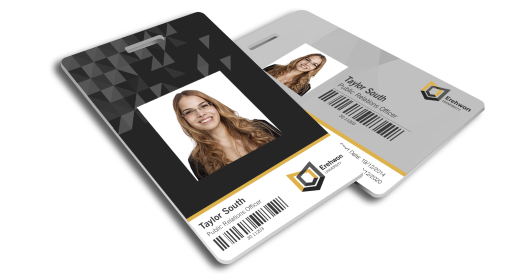
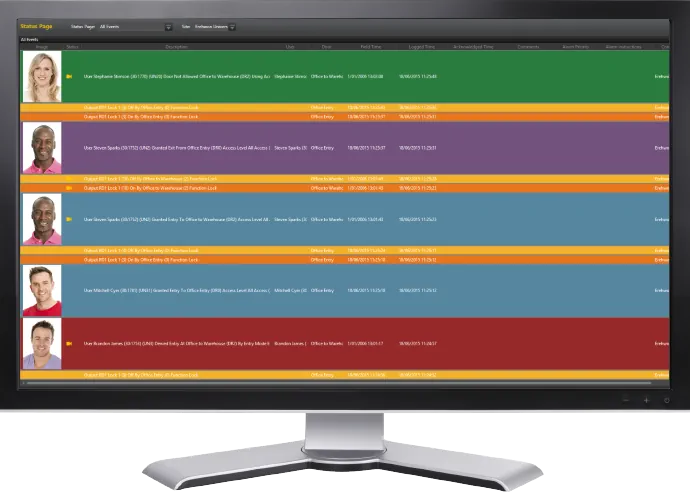
Proximity or smart cards hold information that controls a user's physical access to buildings and secure areas. Adding user details such as name, photo, signature and barcode to these cards, enhances security by adding a visual aspect to the identification. Photos are also displayed against the user events within Protege GX, enabling security personnel to quickly identify any discrepancies.
The Photo ID features within Protege GX enable you to design, produce and encode professional looking cards in no time at all. An intuitive interface provides full control over the information that is included and the card design can be customised to accommodate corporate branding.
Card Template Editor
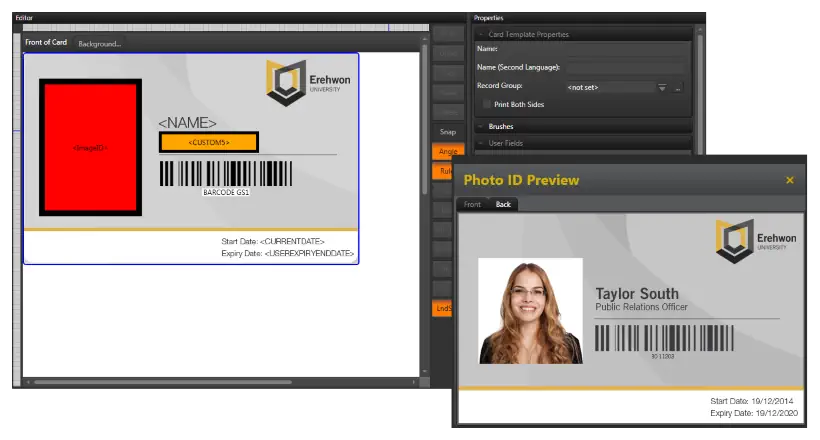
The Card Template Editor provides an extensive range of formatting options for designing and creating templates, enabling you to define the layout and information used when producing cards. Create as many templates as needed, then choose from those available when adding the user.
Drag and drop capability, makes design a breeze. Add and format text, include images such as a company logo or background, and add placeholders for user details such as photo, name, card number, and barcode, all which resolve when previewing or printing card details. Integration with Topaz Signature Pads, also allows a digital signature to be captured and added to a user's access card.
Capture photos using digital webcams directly from the Protege GX interface for added efficiency and convenience, or select an existing photo from a local or network folder. Size and crop them to best fit the ID card design.
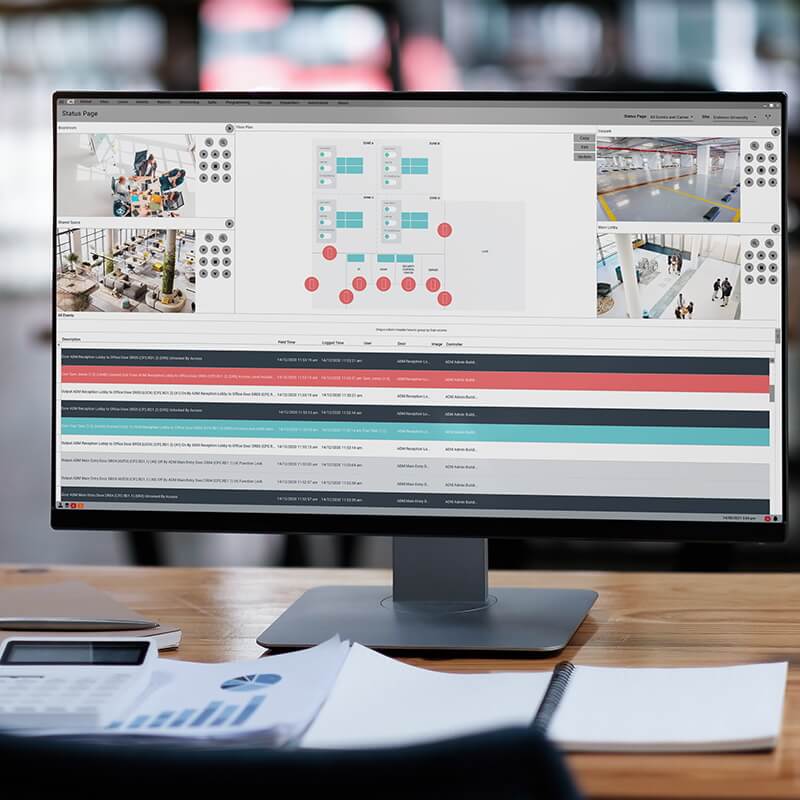
- Photos are displayed in the event window against user events
- Use the photo stored against a user to provide validation when a user badges at a door. This enables an operator to perform a live comparison before allowing entry
Frequently Asked Questions
What is the Photo ID feature in Protege GX?
Photo ID is a Protege GX feature that lets you design, produce, and encode professional-looking proximity or smart access cards directly from the access control system. Adding user details like name, photo, signature, and barcode to the card enhances security by giving it a visual identification layer.
Photos are also displayed against user events in the Protege GX event window, so security personnel can quickly identify discrepancies.
How does the Card Template Editor work?
The Card Template Editor uses drag-and-drop design to lay out card templates. You can add and format text, include images such as a company logo or background, and place placeholders for user details like photo, name, card number, and barcode. The placeholders resolve to real user data when previewing or printing each card.
You can create as many templates as needed and choose from the available list when adding a user.
How do I capture user photos for Photo ID cards?
Photos can be captured directly from the Protege GX interface using a digital webcam, or you can select an existing photo from a local or network folder. Each photo can be sized and cropped to best fit the card design.
How does Photo ID enhance access control security?
Stored photos can be used to validate users at the door: when a user badges, an operator can perform a live comparison between the badge holder and the stored photo before allowing entry. Combined with photos appearing in the event log, this gives operators a fast visual check on every access event.
Integration with Topaz Signature Pads also allows a digital signature to be captured and included on the access card.
Which ICT products support Photo ID?
Photo ID is a feature of Protege GX. It uses the same proximity and smart card credentials that the rest of the Protege access control system supports.