








Facial Recognition Doesn't Have to Be a Premium Line Item with New Hikvision and ICT Integration
Facial recognition used to be the part of the bid that made a customer wince. It sounded enterprise-grade, was priced like enterprise-grade, and got cut the moment the budget got tight. That’s changing, and not because the terminals got cheaper. It’s because the cost was never really in the reader.
The expensive part was never the hardware
Most of what makes a biometric access project expensive has nothing to do with the camera on the wall. It’s the separate enrolment software, the standalone user database, the second dashboard someone has to check, and the vendor-specific training a tech needs before they can troubleshoot a failed sync. Strip that away and a face terminal is just another reader: it captures an identifier and hands it to the panel. The panel still does the actual work of deciding who gets through the door.
That distinction matters most on the jobs where budget is tightest: a school district adding facial recognition to a handful of entrances instead of every classroom, a warehouse operator securing a loading dock without paying enterprise licensing per door, a retailer who wants biometric access on a stockroom but isn’t going to fund a second security platform to get it.
What a lower-cost entry point actually requires
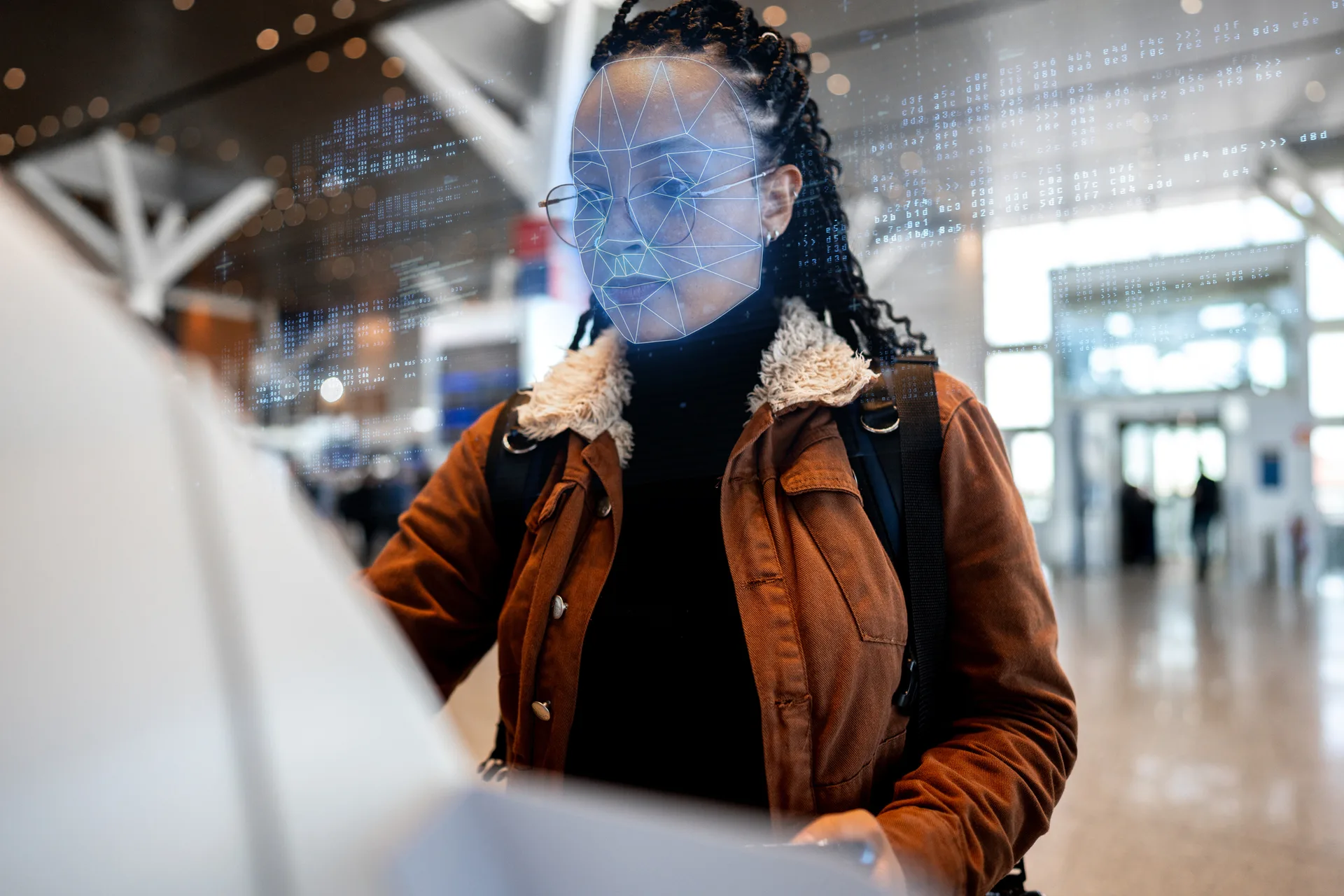
That’s the case for Hikvision’s Pro Face Access Terminal, now connected to Protege GX through the new Connect Service. An administrator uploads a user’s photo in Protege GX, the same way they already do for photo ID. The Connect Service picks up the change and pushes it to the terminal within 30 seconds, automatically. When someone presents their face at the door, the terminal identifies them and sends their credential to the Protege GX controller over Wiegand, exactly the way a card reader would. There’s no second enrolment step, no separate biometric console, and no new platform for a tech to learn.
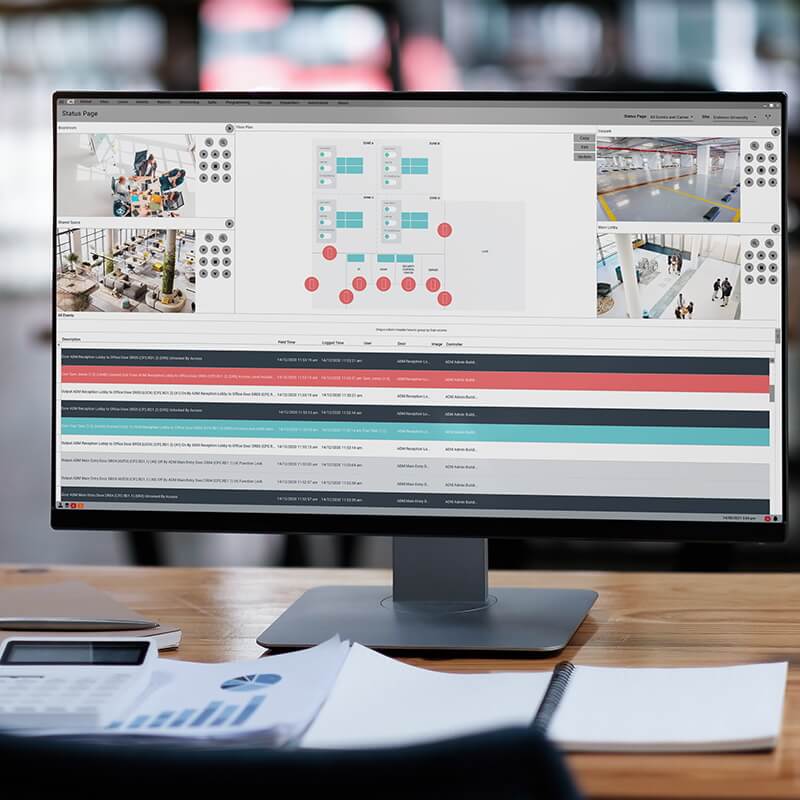
The integration is designed to give the owner complete control and oversight of the biometric system. Privacy and security are top priority: photos stay on-premises by default, the same as all other Protege GX data, and every exchange between Protege GX and the terminal is encrypted. If a customer’s policy requires consent before a photo is used for facial recognition, Protege GX holds the photo back until that requirement is met. The new web dashboard shows device status, sync history, and a 90-day audit trail for all connected Hikvision devices, making it easy to keep track of the system no matter how many terminals are in use.
One reader, several ways in
The terminal also supports PIN entry as a fallback, and it can be wired alongside a card reader on the same reader port for sites that want dual credentials: face and card, or face and PIN. That flexibility matters on tenant-improvement jobs where existing card infrastructure is already in place and the customer just wants to add a biometric option, not rip out a system that works.
What this means for the next bid
A cost-effective face terminal only helps if it doesn’t create a second system to support. Because the Hikvision integration runs through Connect Service, it uses the same licensing model and the same access decision logic as every other Protege GX credential, so adding it to a bid doesn’t mean adding a new support burden. Adding a user still looks the same to whoever manages a site: upload a photo, assign an access level, and you’re done. The panel still makes every access decision, the same way it always has.
Contact your regional sales manager to learn about adding Hikvision face terminals to your next Protege GX deployment.