













Managing Access on Desktop and Mobile Shouldn't Require Two Different Systems
Your customers aren't sitting at one workstation all day. An operator monitors events from a desktop in the morning and checks an alert on a tablet that evening. A property manager pulls an access report from their phone between site visits. A facilities director reviews credentials on a device that's wherever they happen to be.
That's the reality of how security systems get used. The question is whether your software has kept up.
Two updates to the Protege GX platform, available now, close the gap between how your customers work and what the software has been able to deliver.
The GX Web App Is Now the One to Use
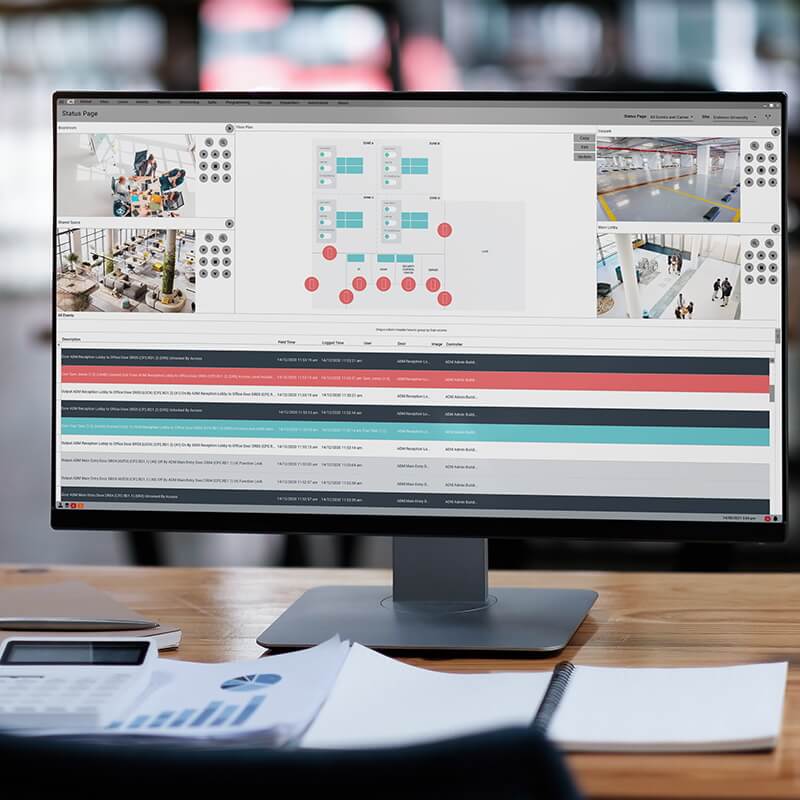
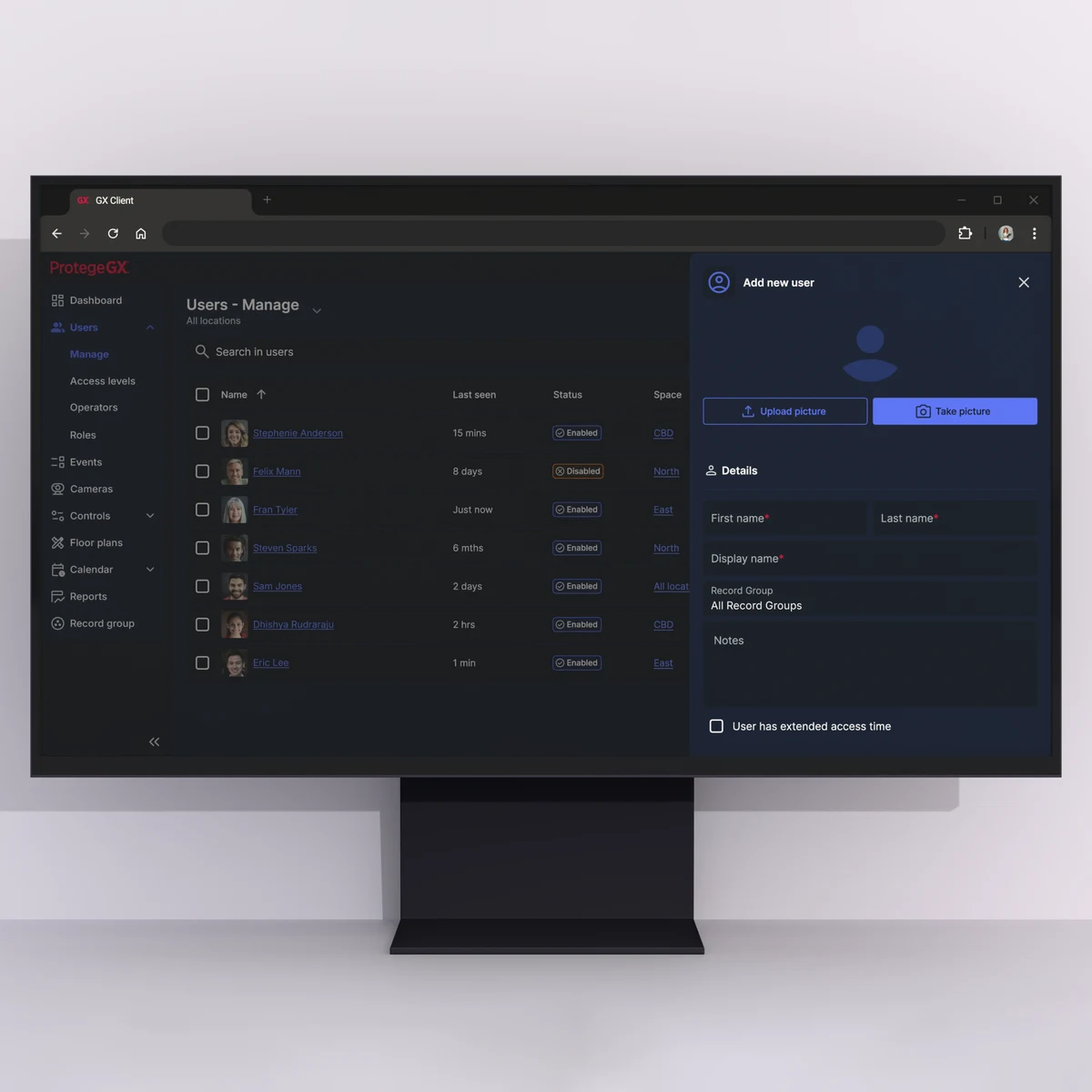
The Protege GX Web App has reached full feature parity with the legacy Web Client. This changes the positioning: this is no longer the modern option sitting alongside the legacy client. It's the replacement.
Full parity means everything your customers were doing in the legacy Web Client, they can now do in the Web App, on a modern interface built to work across desktop, tablet and mobile without compromises.
Here's what differentiates the Web App from the legacy version:
- Two-factor authentication. Your customers' management interface is now protected with an additional layer of verification. Straightforward to configure, and increasingly a requirement in enterprise and government deployments.
- Smarter filtering and sorting with saved views. Operators can set up the view they want and save it, so they're not rebuilding their filters every time they log in. On a high-traffic site with a lot of event volume, this matters day to day.
- Built-in help documentation. Answers live inside the application, which means fewer "how do I do X" calls routed to your team.
- Extended Event Service. Improved event reliability for sites where missing an event isn't acceptable. This is particularly relevant on larger deployments or sites with compliance requirements.
And the part that makes the conversation easier with existing customers: it's covered by the existing Protege GX Web Client license. No new licensing quote, no upgrade cost to justify.
Download via the ICT Product Portal today to get started and view the release notes here.
Access+ Now Manages GX and WX Sites from One App
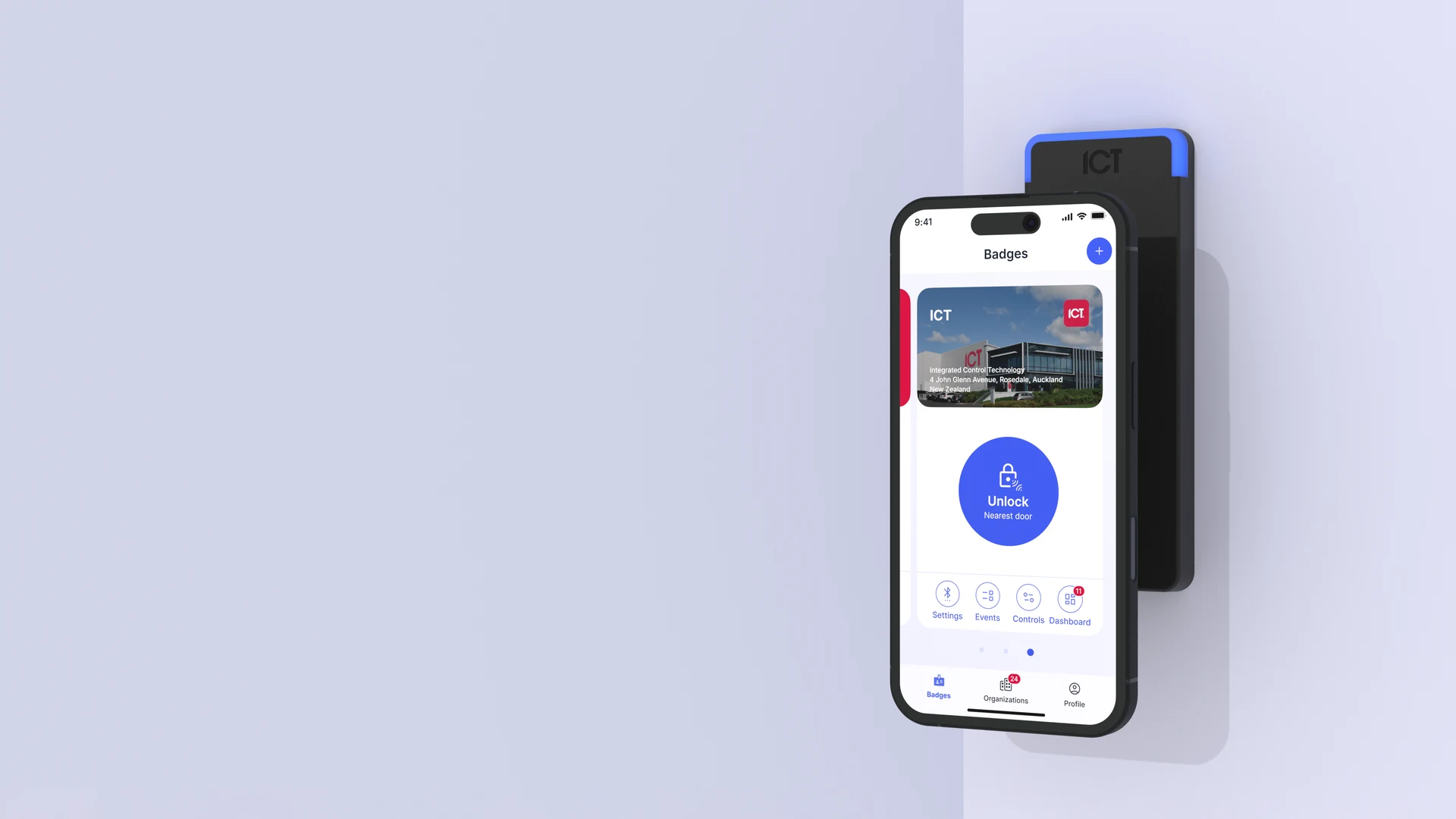
Through this release, the addition of WX Site support changes what Access+ can do for customers running mixed environments.
If you have customers running both Protege GX and WX systems, they've been managing those from separate tools. That's friction in the day-to-day, and it's one of those things that generates quiet frustration over time. One app, one login, unified access to both site types. That friction is gone.
That's the change that matters most. But the release is more than that.
Several UX improvements in this version came directly from customer feedback, specifically for single-site users and users who operate without a badge. The app now surfaces the controls they need straight away, with fewer steps to get there and less time spent navigating around features that aren't relevant to them.
Dark mode is now available on both iOS and Android for users who prefer it or work in low-light environments.
A troubleshooting screen in the user profile gives users and your support team a faster starting point for diagnosing issues. An in-app changelog on first login means users know what changed without having to ask. The release also includes reliability and security fixes.
Access+ is the replacement for Protege Mobile. This release makes that case, and it's available now on both platforms.
iOS: App Store Android: Google Play
What This Means for Your Deployments
Full parity on the GX Web App means you can move existing customers to the new interface without a "but does it do X" conversation getting in the way. The answer is yes. WX Site support in Access+ means customers with mixed environments finally have a unified mobile experience, which has been a common ask.
Both updates are available now. Both are covered under existing licensing. Neither requires a new cost to pass on to your customers.
If you want to walk through deployment specifics or have questions about rolling out either update to your existing base, reach out to your regional ICT sales consultant or contact support at ict.co.
Posted on
Product News