












Protege GX Cybersecurity Changes and What You Need to Know
Protege GX 4.3.402 raises the cybersecurity bar for every system in the field. Stronger password defaults, encrypted connections (TLS 1.2 / HTTPS) everywhere, and a new path forward for browser-based access. It’s the first of our new quarterly updates, available now — and it’s a meaningful one for integrators and their customers.
There are a few things you’ll need to do when upgrading existing sites. At a high level:
- Plan to upgrade server, clients, SOAP and web client together
- Confirm encrypted connections are in place before the upgrade
- Notify operators they’ll need to set a new password at next login
- Decide whether to upgrade the legacy Web Client or move customers to the new Web App
For step-by-step guidance, head to Application Note 366. The rest of this post walks through what’s changing and why.
The headline rule: upgrade everything together. Server, clients, SOAP, and web client need to move at the same time. If they don’t, parts of the system won’t communicate.
What’s changing
Stronger passwords by default. We’re tightening operator password requirements so every Protege GX system starts from a stronger baseline. After upgrading, operators will be prompted to reset their password the first time they log in — a quick, one-time step that immediately lifts the security posture of the system.
This applies to operator accounts used by SOAP integrations and mobile apps as well, so it’s worth identifying those ahead of time. Those applications will fail to connect until the passwords are updated.
Encrypted connections everywhere. Protege GX components will now only talk to each other over encrypted connections — TLS 1.2 between server, clients and SOAP service, and HTTPS for web client, entry station, and mobile app traffic.
For sites already running encrypted communications, this is business as usual. For sites still running unencrypted connections, there’s some setup to do before the upgrade. Application Note 366 covers exactly what that looks like, including the integrations most likely to be affected.
There’s also a server compatibility check worth doing early: 4.3.402 requires a 64-bit OS and a current SQL Server version (2016 or later). Most sites will already be there, but older installs may need a server migration as part of upgrade planning — App Note 366 walks through how to check.
Together, these changes line Protege GX up with what IT and security teams now expect by default: encryption in transit and strong credential hygiene out of the box. That makes the IT-side conversation shorter and the audit conversation easier.
A new option: the Protege GX Web App
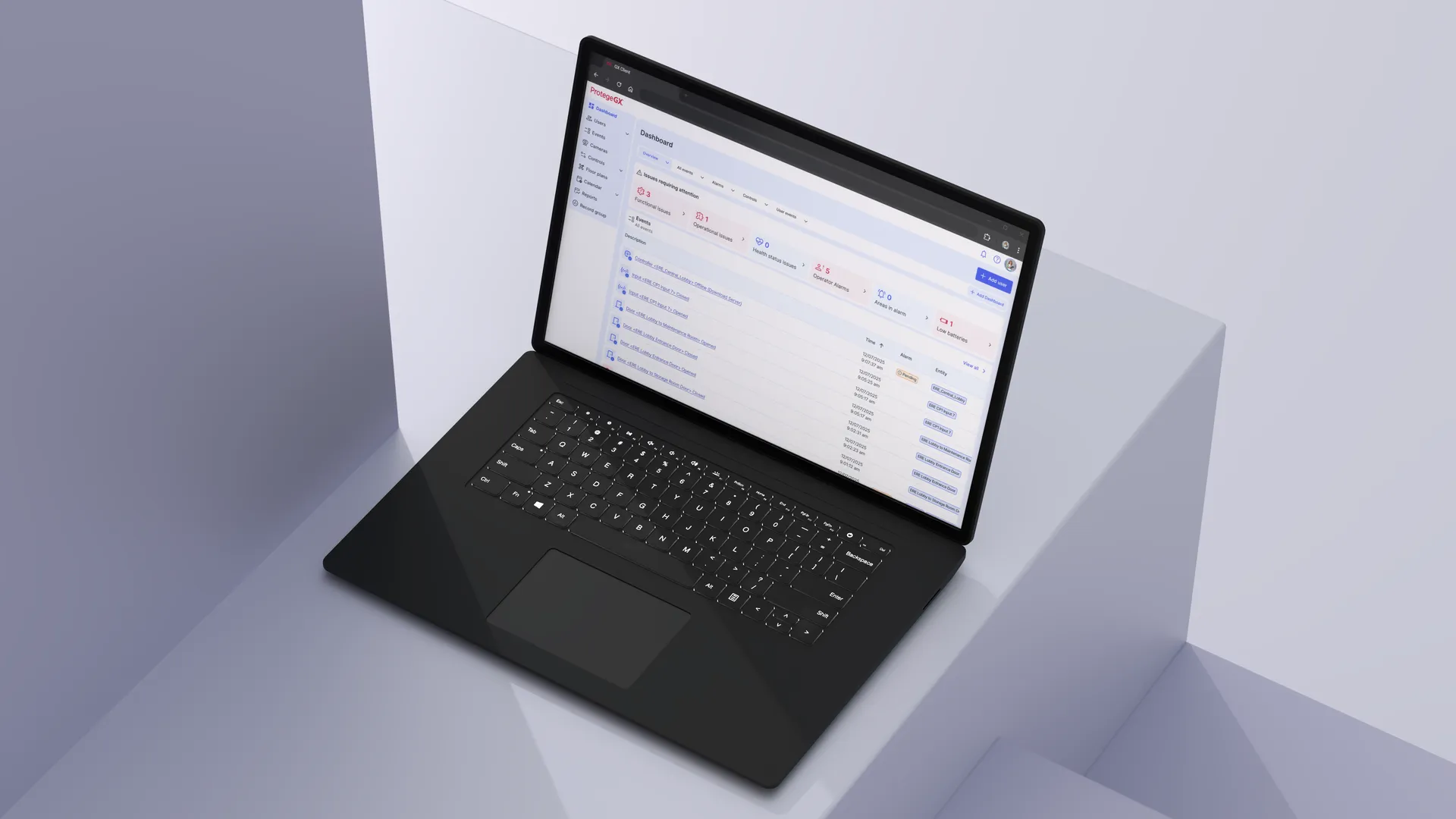
This release coincides with the general availability of the Protege GX Web App — our modern web-based replacement for the legacy Protege GX Web Client.
The Web App is the latest for browser-based access to Protege GX. We’re rolling out feature parity with the legacy Web Client over the coming months, so when you’re upgrading a site, you’ve got two paths today:
- Stay on the legacy Web Client and apply the encryption updates, or
- Move to the new Web App as the web access experience going forward
If your customers rely on specific Web Client features, the Protege GX Web App Installation Manual has the current feature comparison so you can decide which path fits each site.
What this means for you and your customers
For installers and integrators, this update is a chance to confidently tell customers their security system meets current cybersecurity expectations — and to position yourself as the trusted partner keeping them ahead of evolving requirements.
For end users, it means stronger protection by default and a system that’s audit-ready out of the box. Customers in regulated industries — banking, healthcare, education, multifamily — can prepare for compliance reviews knowing their access control platform is built on current security foundations.
This is the first of many quarterly updates designed to keep Protege GX current, secure, and ready for what’s next. We’ve also refreshed our VMS integrations across Genetec, Milestone XProtect, Hanwha Wisenet WAVE, DW Spectrum, NX Witness and Avigilon — keeping the partner ecosystem on current technology too.