











Hikvision Integration
Bring together biometric and traditional access control, security, and building automation into a unified platform with Hikvision face terminals and Protege GX.
Key Benefits
- Photo-Based Enrollment. Administrators upload a user’s photo in Protege GX the same way they already do for photo ID, and the Connect Service synchronizes it to every Hikvision terminal that user has access to within 30 seconds, automatically. There is no separate enrollment step at the device
- GX Keeps the Access Decision. Hikvision face terminals identify the user, but Protege GX still checks access levels and schedules and makes the access decision, so facial recognition never bypasses your existing security policy
- On-Premises by Default. All facial recognition data is stored and processed on-premises by default, keeping sensitive biometric data under your control
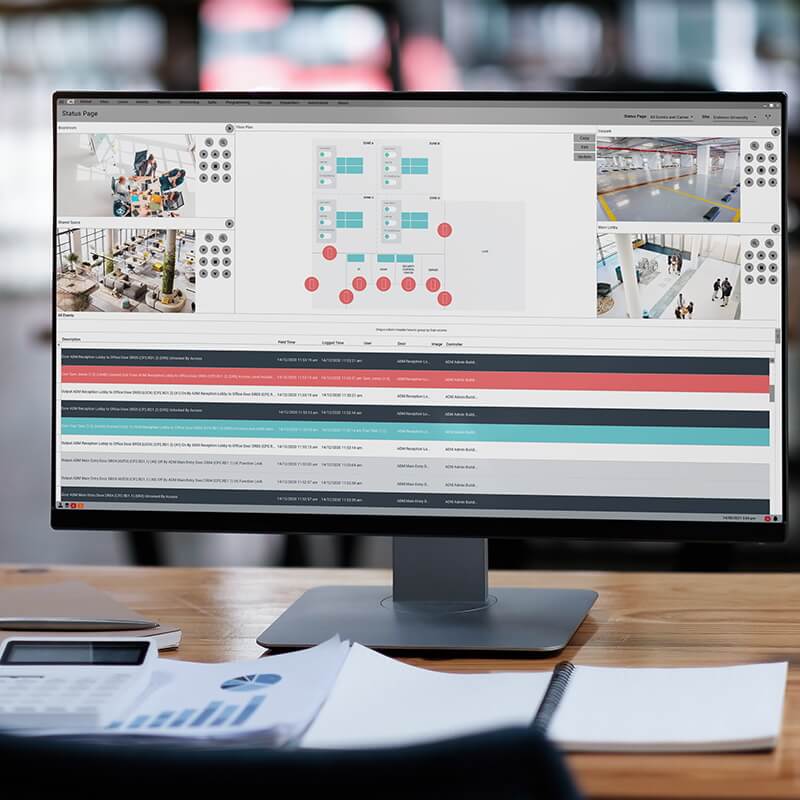
- Full Visibility. A web dashboard gives you sync status, device health, and a full audit trail, so you can monitor and troubleshoot the integration from one screen
How It Works
The Protege GX Connect Service monitors Protege GX for changes to user photos, credentials, and access rights, then sends updates to the connected Hikvision terminals over the network.
When a user presents their face at the door, the terminal identifies them and sends their credential to the Protege GX controller or reader expander over Wiegand, the same way a card reader would. Protege GX checks the user’s access levels and schedules, then makes the access decision.
Supported Features
- Facial recognition
- PIN codes
- Dual authentication (alongside a card reader)
- Automatic synchronization every 30 seconds
- Manual synchronization
- Audit log (90-day retention)
- Facial-recognition consent settings
- Multiple Protege GX sites
Supported Versions
- Protege GX: 4.3.398.2 or higher
- Protege GX Web App: 1.37 or higher (required, even if not used as a user interface)
- Protege GX Connect Service: current release
- Protege GX Controllers: 2.08.766 or higher
- Hikvision Pro Face Access Terminal (DS-K1T673DWX): firmware 4.39.20
Other Hikvision models with ISAPI-capable firmware may work, but have not been validated by ICT. We recommend validating any other model on the test bench before deploying to a site.
Discover the Benefits of Integrating Biometrics
Talk to an Expert