







Access Control 101
Not sure where to start? This guide covers everything from the fundamentals to choosing the right platform for your organisation.
Free Resource
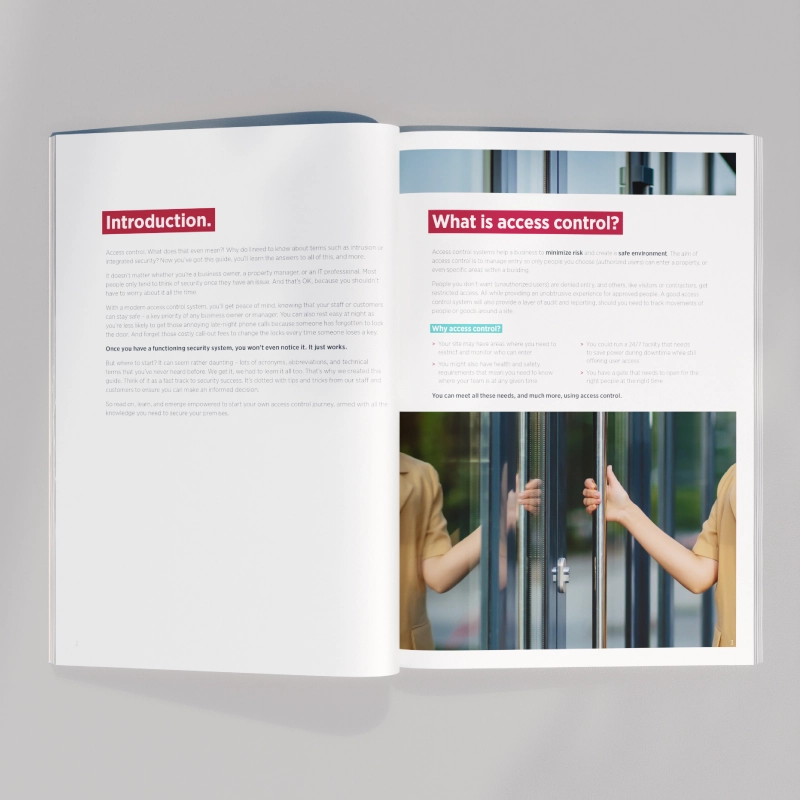
The Access Control 101 Guide
Whether you're specifying a system for the first time, evaluating vendors, or helping a customer understand their options — this guide provides a clear, practical foundation for understanding modern access control.
Written by ICT's security specialists, it covers everything from basic concepts and credential technology to integration strategies and platform selection.
Download a CopyWhat's Inside
Six chapters covering the full access control landscape — from basic concepts to choosing and sizing a system.
What Is Access Control?
- The four pillars: Identification, Authentication, Authorization, Auditing
- Physical vs. logical access control
- Why electronic access control replaces traditional locks and keys
Evolution of Access Control
- From mechanical keys to smart cards and mobile credentials
- How networked access control transformed building security
- The shift from standalone to integrated platforms
System Components
- Controllers, readers, locks, and credentials
- On-premises vs. web-based management software
- How components work together in a Protege system
Credential Types
- Proximity cards (125kHz) — simple, cost-effective, low security
- Smart cards (13.56MHz MIFARE, DESFire) — encrypted, multi-application
- Mobile credentials (BLE/NFC) — smartphone-based access
- Biometrics — fingerprint, facial recognition, multi-factor
Expanding Through Integrations
- Video Management Systems for unified surveillance and access events
- Visitor management for streamlined guest registration
- Building management for HVAC, lighting, and energy automation
- Biometric readers for high-security multi-factor authentication
Choosing the Right Solution
- Enterprise vs. SMB: Protege GX vs. Protege WX
- Sizing your system: doors, users, sites
- Planning for scalability and future technology changes
- Evaluating vendors: open architecture vs. proprietary lock-in
Who Is This Guide For?
The Access Control 101 guide is designed for anyone involved in planning, specifying, or evaluating a security upgrade.
Security Managers
Understand the full landscape before recommending or approving a system upgrade or replacement.
Installers & Integrators
Sharpen your knowledge on credential technology and integration capabilities to better advise customers.
Facilities Teams
Learn what questions to ask vendors, what standards to look for, and how to plan for growth and migration.
Frequently Asked Questions
What is an access control system?
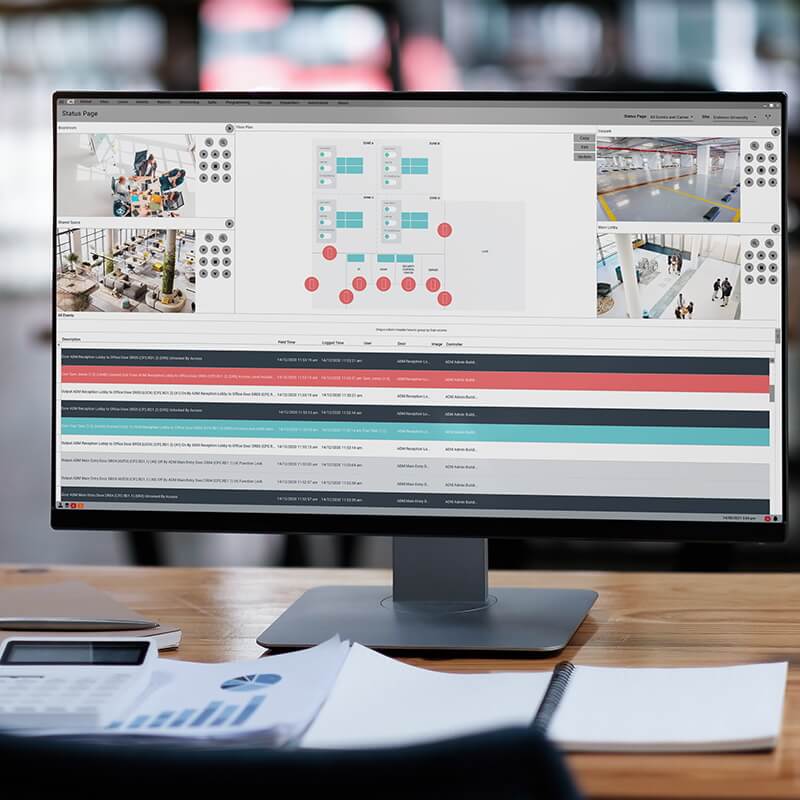
An access control system is an electronic system that manages who can enter or exit specific areas within a building or site. It typically consists of readers (where users present a credential), controllers (which make access decisions), and locking hardware (electric strikes, magnetic locks, or electrified door closers). Management software ties everything together, allowing administrators to define access rights, review events, and generate reports.
What's the difference between Protege GX and Protege WX?
Protege GX is a server-based enterprise platform suited to large, complex, multi-site installations. It supports graphical floor plans, advanced reporting, and hundreds of third-party integrations. Protege WX is an all-in-one web-based system requiring no server software — it's ideal for small to mid-size organisations that need a capable, easy-to-manage system without enterprise complexity. Both platforms use the same ICT hardware ecosystem.
What is the most secure access credential type?
ICT recommends DESFire EV3 credentials for high-security deployments. DESFire uses AES-128 encryption, mutual authentication between card and reader, and anti-cloning protection — making it significantly more secure than standard 125kHz proximity cards. For convenience-oriented environments, mobile credentials via BLE or NFC offer strong security through smartphone-based authentication.
What standards should an access control system comply with?
Look for compliance with UL 294 (USA), ULC 60839-11-1 (Canada), and OSDP v2 for reader-controller communication. IP65 or IP67 environmental ratings are important for outdoor hardware. For government and healthcare environments, check for FIPS 201 (HSPD-12) or FICAM compliance. ICT's Protege systems are certified to these and other relevant standards.
Ready to get your copy?
Fill in a quick contact form and we'll send you the Access Control 101 guide along with information tailored to your requirements.
Download the GuideRelated Resources
Access Control Solutions
Explore ICT's full access control solution offering for enterprise and SMB environments.
Protege GX
Enterprise access control, intrusion detection, and building automation on a single platform.
Protege WX
All-in-one web-based access control and intrusion detection. No server required.